QuotaBar
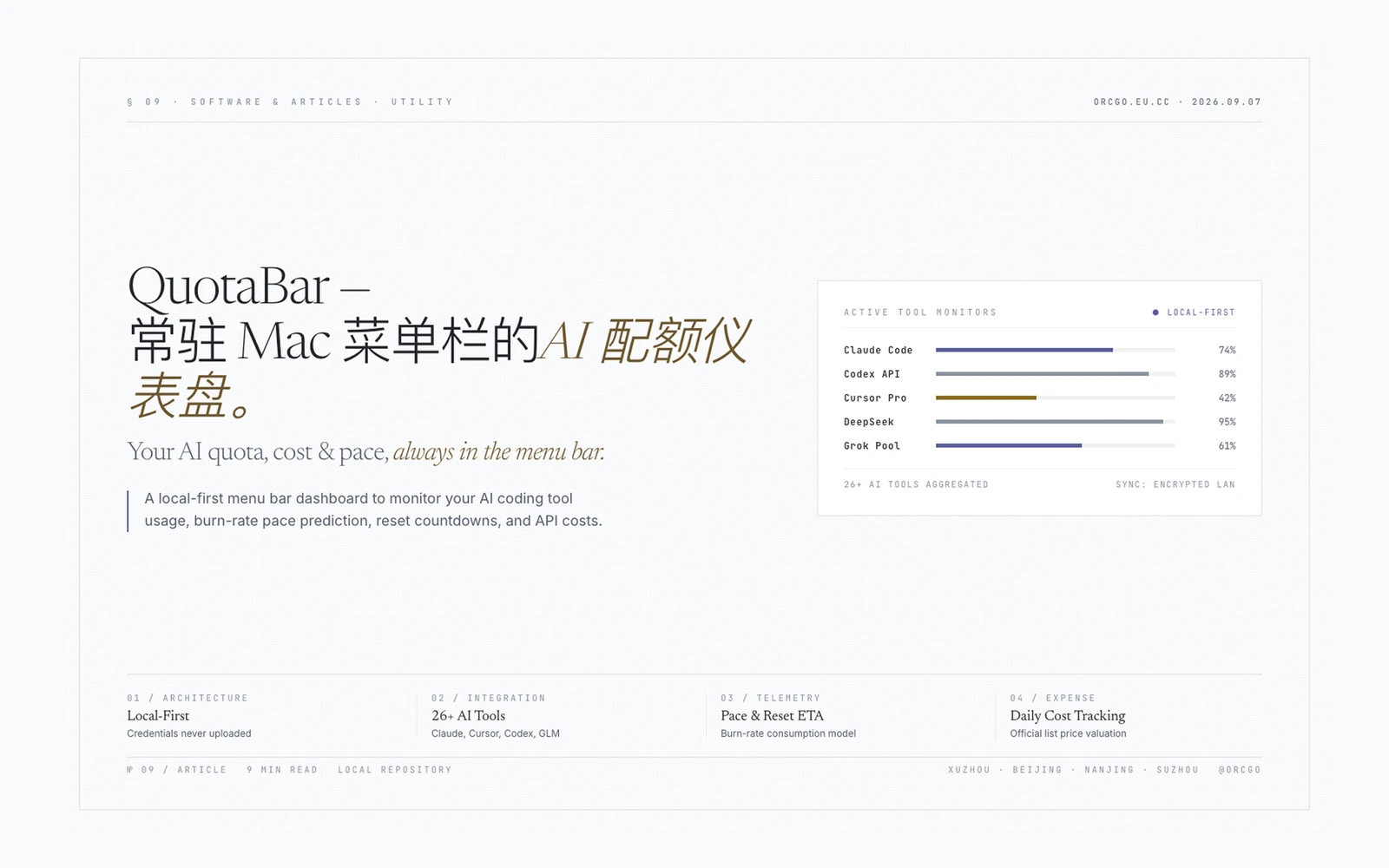
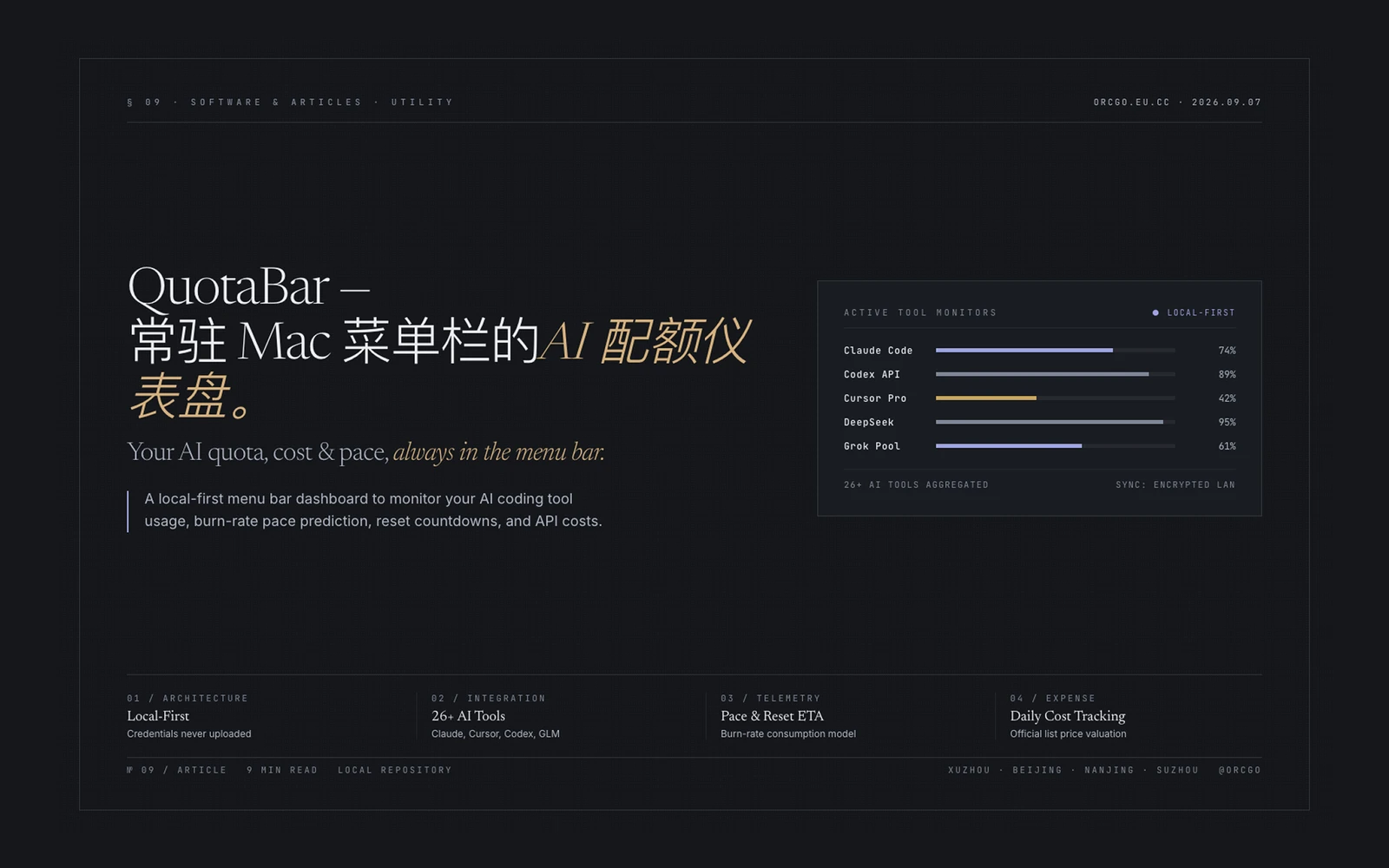
Your AI quota, always in the Mac menu bar.
Remaining quota, reset countdowns and today's cost for Claude Code, Codex, Cursor, Windsurf, Grok, GLM, DeepSeek, Copilotand 26+ AI coding tools — all in one place. Credentials stay on your machine: never refreshed, never uploaded.
What is QuotaBar? (In One Sentence)
| What you're doing |
What QuotaBar does for you |
| Juggling multiple AI coding tools |
One dashboard aggregates every tool's quota, countdown and cost |
| Worried about running out mid-workflow |
Pace prediction tells you if your current burn rate lasts until reset, with an ETA when it won't |
| Want to control monthly AI spend |
Today's cost estimated at official API list prices from ccusage data, stored locally only |
| Need to check quotas on the go |
Optional encrypted sync pushes display snapshots to iPhone & Apple Watch |
| Use Windows alongside Mac |
Windows client pairs over LAN to share Mac quota snapshots securely |
| Fear leaking tokens or usage data |
Local-first architecture: credentials never refreshed, usage details never uploaded, no account required |
Core Features
| Feature |
Description |
| Native multi-window support |
Claude/Codex 5-hour & 7-day windows, Cursor monthly billing cycle with dual pools shown separately, Grok weekly pool, GLM session/weekly windows — each keeps its native logic displayed side by side |
| Reset countdowns |
Every service window shows a live countdown to reset, accurate to the second |
| Color-coded risk levels |
Green = plenty, yellow = watch, red = tight — scan and know which services are running low |
| Custom reorder |
Drag to rank the services you care about most; pin the tightest cards to the top |
| Popover quick view |
Menu-bar capsule shows the single tightest service without opening the full dashboard |
Smart Pace Prediction & ETA
| Feature |
Description |
| Real-progress-based |
Uses your average hourly consumption over recent hours to project whether you'll make it to reset |
| ETA estimation |
When pace is too fast, shows estimated time remaining so you can adjust |
| Historical baseline |
Compares against the same time yesterday to spot sudden usage spikes |
Today's Cost Tracking (ccusage Engine)
| Feature |
Description |
| 15+ Agent auto-discovery |
Bundled ccusage engine dynamically discovers local agents — Claude Code, Codex, Gemini, Goose, Trae, etc. — tracking token usage per agent |
| Official API list-price conversion |
Costs estimated at each vendor's published public list price (not your subscription bill), answering "how much did this prompt actually cost?" |
| Model-level drill-down |
Click any bar in the daily trend chart to see which models were used that day and their individual costs |
| Stored locally, never uploaded |
Usage details, model names and prompt content stay on your machine |
Optional Encrypted Sync (iPhone / Apple Watch Companion)
| Feature |
Description |
| Encrypted snapshots, not raw data |
Only AES-256-GCM–encrypted display-layer snapshots enter your own private iCloud database |
| Up to 16 Macs aggregated |
Install QuotaBar on multiple Macs; iPhone sees an aggregated view across all of them |
| Watch widgets |
The tightest-quota card appears right on your Apple Watch face |
| Totally optional |
Off = zero outbound network traffic; toggle on/off anytime |
Windows Desktop Client & Mac LAN Pairing
| Feature |
Description |
| Electron standalone shell |
Full Windows desktop experience with Overview, Limits, Trends, Devices, Data Sources and Settings pages |
| ccusage bundled runtime |
Ships the official ccusage helper — no separate Node.js install needed |
| Mac LAN pairing |
One-time code establishes a device key on the local network; quota snapshots remain app-layer encrypted |
| Dual credential sources |
Cookie login or API key; works with Claude CLI and Codex credential files on Windows |
AI Feed — Never Miss Major Updates
| Feature |
Description |
| Curated sources |
Original posts and quotes from Anthropic, OpenAI, DeepMind, xAI, Kimi, Google DeepMind, MistralAI, OpenRouterAI, Perplexity and more |
| Timezone-aware delivery |
One APNs digest per day, delivered in your device's timezone — never interrupting work |
| Two-tier collection policy |
Primary accounts checked every 10 minutes; rotating accounts ranked by engagement, reach and recency, checked hourly |
| Ultra-lightweight |
Text-only notifications, no rich media loading, near-zero background CPU |
| Feature |
Description |
| 95% CPU reduction |
Achieved via on-demand polling + macOS PowerMetrics attribution algorithms |
| 77% lower attributed power |
See [[method & boundaries]] |
| Adjustable refresh rate |
Auto-refresh every 1–30 minutes, or trigger manually |
| Background depth slider |
Settings → General → Appearance lifts deep-black surfaces toward soft cool grey while maintaining WCAG AA readability |
Native Look & Liquid Glass
| Feature |
Description |
| macOS Liquid Glass |
Menu-bar capsules and floating panels follow macOS visual guidelines |
| Cross-Space floating window |
Dashboard panel can be dragged to any virtual Space |
| Auto light/dark mode |
Mirrors your system theme automatically |
| Independent glass opacity |
Popup panel blur level adjustable separately from global settings |
Supported AI Applications (26+)
Most services connect automatically upon sign-in: QuotaBar only reads credentials already living on your machine.
Native Providers — 21+, Auto-detect & Manual API Key Entry
| Icon |
Application |
Connection Method |
Notes |
| Claude Code |
Claude Code |
Local CLI credential read |
5-hour / 7-day windows |
| Codex |
Codex |
Local CLI credential read |
5-hour / 7-day windows |
| GitHub Copilot |
GitHub Copilot |
API key / cookie |
Free plan Chat/Completions counted separately; paid plans estimate $0.04/overage request |
| Cursor |
Cursor |
Local credential read |
Dual pools ("Primary Models" vs "Other Models") shown separately |
| Windsurf |
Windsurf |
API key |
— |
| Grok |
Grok |
API key |
Weekly quota pool |
| GLM Team |
GLM Team |
API key + org + project |
Session & weekly dual windows |
| DeepSeek |
DeepSeek |
API key |
— |
| Kimi |
Kimi |
API key / cookie |
Multi-window (shortest → longest as reported by API) |
| Kiro |
Kiro |
kiro-cli /usage parse |
— |
| MiniMax |
MiniMax |
API key |
— |
| Volcengine |
Volcengine |
AK:SK signing |
Prefers documented path among multi-value responses |
| MiMo Code |
MiMo Code |
Cookie |
Daily token pool |
| Ollama |
Ollama |
Local CLI credential |
Session/Hourly/Weekly three windows; local model cost computed as zero |
| Qoder |
Qoder |
Cookie |
Personal / Shared credit pools shown separately |
| OpenCode |
OpenCode |
API key |
— |
| OpenRouter |
OpenRouter |
API key |
Prepaid credit percentage bar always visible |
| Trae |
Trae |
ccusage log |
Only timestamps / model names / token counts collected |
| Third-party APIs |
Custom balance endpoints |
User-configured |
Compatible with Fable, Antigravity and others |
Local Token & Cost Sources
The bundled ccusage collector auto-discovers 15+ local agents (Claude Code, Codex, Gemini, Goose …), each togglable individually on the Data Sources page. Hosted models are estimated at API list price; local models like Ollama remain at zero cost.
Data & Privacy Architecture
Privacy isn't a promise — it's the architecture. Every line below is verifiable in source.
Credentials already on your machine ──read-only──▶ Official provider APIs ──▶ Rendered & cached locally
                                                                                    │
                                                                              (encrypted snapshots only)
                                                                                    │
                                                                        iCloud private DB ─▶ iPhone / Watch
| Principle |
Specific Behavior |
| Read-only, never written back |
Reads tokens your tools already maintain, never initiates refresh or writes to APIs |
| Keychain isolation |
Pasted API keys live exclusively in the macOS Keychain — nowhere in source, artifacts or logs |
| No accounts, no passwords |
No registration, no password, no brute-force risk |
| No telemetry |
No crash reports, usage analytics, or personally identifiable information sent anywhere |
| Price fetches carry no data |
At most one bodyless GET/day for the public LiteLLM price table, zero local data attached |
| Reversible sync |
Disabling encrypted sync schedules automatic purging of iCloud snapshots on the next cleanup cycle |
Project Structure
| Path |
Purpose |
Sources/UsageDock/ · Package.swift |
SwiftPM menu-bar app — main client |
Packages/QuotaBarSyncKit/ |
Minimal encrypted-sync protocol package (iCloud) |
windows/ |
Electron Windows desktop client |
broadcast/ |
Cloudflare Workers backend (AI Feed + download counter) |
site/ |
Marketing site, privacy policy and support pages |
docs/ |
Release procedures, performance tests, architecture docs |
design/ |
Brand palette, icon source files |
script/ |
Build, packaging and verification scripts |
Running Locally
# Build and run in one shot
bash ./script/build_and_run.sh --verify
Installs to ~/Applications/UsageDock.app. This public repository contains the macOS desktop client, Windows client source code, backend service, website and documentation; iOS / watchOS companion app source is maintained separately.
License
QuotaBar is an independent app, not affiliated with, endorsed by, or sponsored by Anthropic, OpenAI, Anysphere, xAI, GitHub, Zhipu AI, or any other provider; service names and marks appear only to identify the services you can choose to connect.